
How it works
From download to your first booking
Everything happens in the Auto Guard Pro app.
Get Auto Guard Pro
Install the operator app on your phone and create your account. Registering is free.
Register and get verified
Send your details and ID. New operators start with a limited preview until the team verifies the account.
Add your car, get requests
List your car for review. When a renter requests it, you send your quote and sign the contract in the app.
Why host with GoDrive
Built to keep hosting simple and safe
Renters upload IDs and proof of address before they can book, so you know who is asking for your car.
You get the renter’s trip details and send your own quote. You decide whether to accept.
Terms are signed in the app before payment, and your bookings stay in one place.
Renters ask for delivery to their location, and you confirm the details in your quote.
What you can list
Cars renters ask for
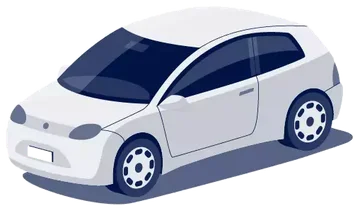 Hatchback
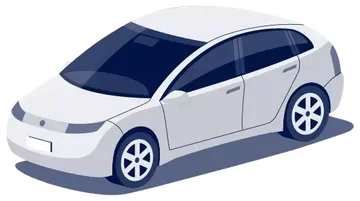 Sedan
Sedan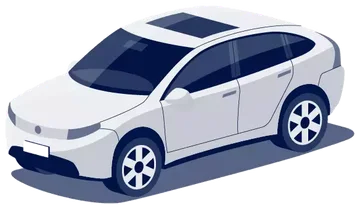 Crossover
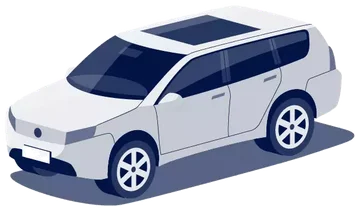 SUV
SUV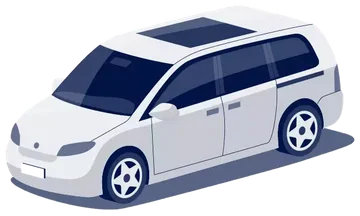 MPV
MPV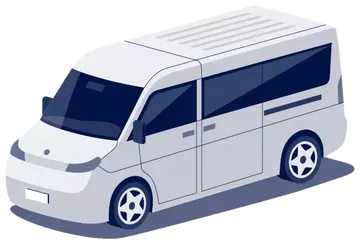 Van
VanGood to know
Questions
Is it free to sign up?
Yes, creating an account is free. New operators start with a limited preview until the account is verified by the GoDrive team.
How long does verification take?
The team reviews each operator’s details and documents. You’ll be notified in the app when it’s done.
Do my cars get reviewed?
Yes. Each car you list is reviewed before it goes live, so renters see accurate listings.
Where do renters book?
Renters use the GoDrive app. You manage requests, quotes and contracts in Auto Guard Pro.
Ready to host?
Download Auto Guard Pro and list your car today.