

How it works
Three steps to your next trip
No counters, no waiting around. Everything happens in the app.
Pick a car or get matched
Browse cars near you, or tell us your trip and verified operators send you their best price.
Sign & reserve in the app
Review the digital contract, sign on your phone, and pay a small reservation fee to lock in your dates.
We deliver, you go
Your operator brings the car to your location. Pay the balance on pick-up and hit the road.
Inside the app
Simple from the first tap
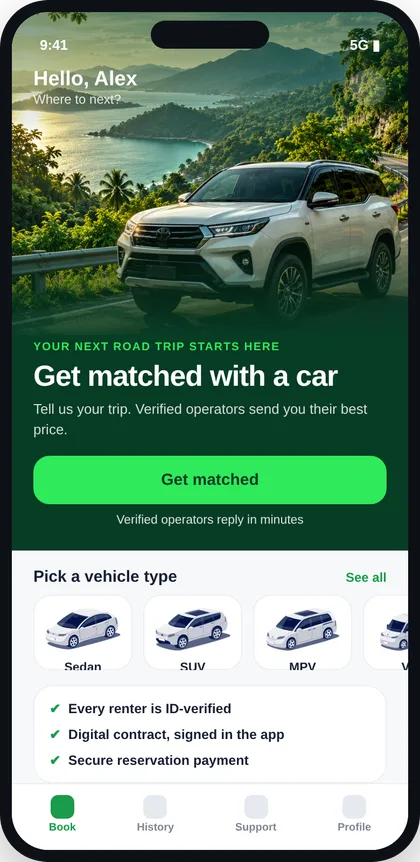
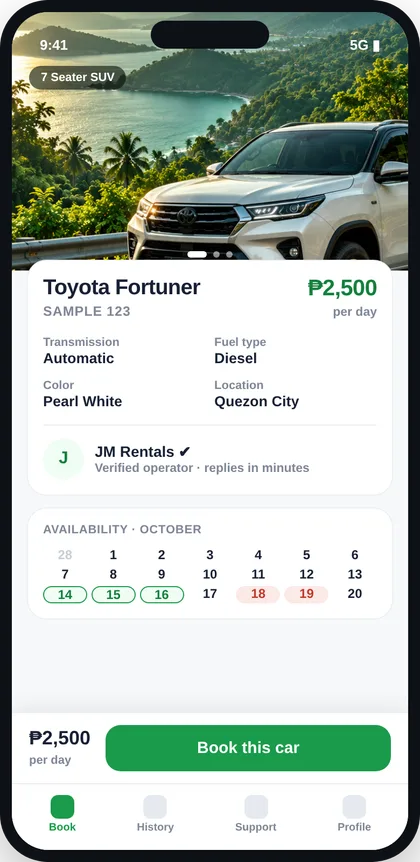
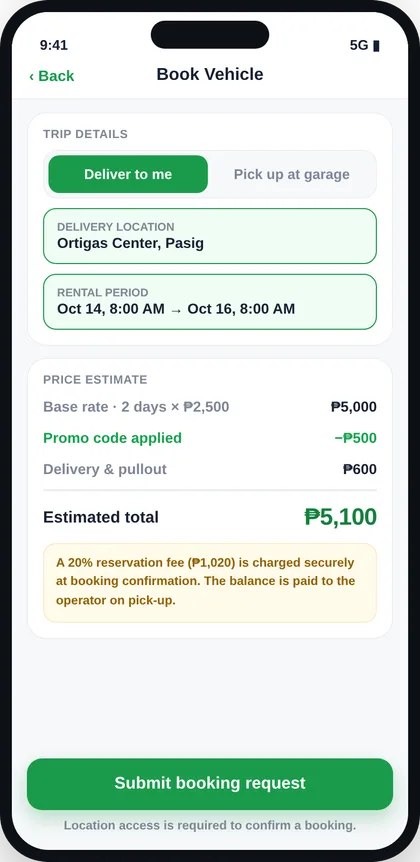
Screens show sample data.
Pick your ride
A car for every trip
Starting daily rates. Final price depends on the operator and your dates, and you see it before you pay anything.
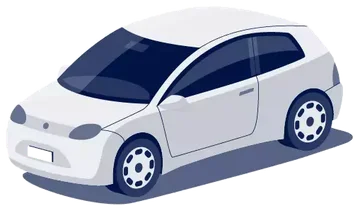 Hatchbackfrom ₱1,800/day
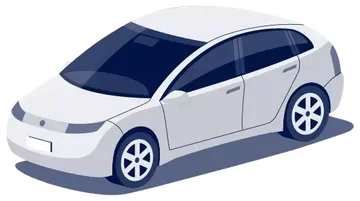 Sedanfrom ₱2,000/day
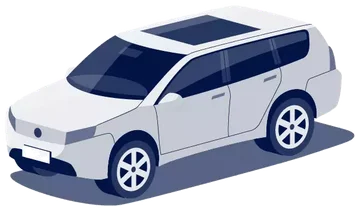 SUV / 7 Seaterfrom ₱2,500/day
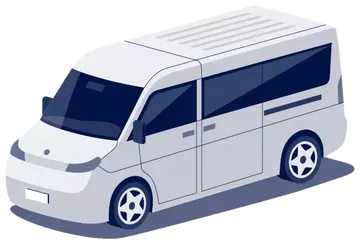 Vanfrom ₱4,000/day
Why GoDrive
Rent with confidence
Operators know who they hand the keys to, which keeps rentals safer for everyone.
Cars come from operators reviewed by the GoDrive team, with ratings you can see.
Sign digitally before you pay. Your booking and terms stay in one place.
Secure payment through Maya to confirm. You settle the balance with the operator on pick-up.
Own a car?
Become a GoDrive host
Download the Auto Guard Pro operator app, list your car and receive booking requests from ID-verified renters.
Good to know
Questions
Do I need a driver’s license?
Yes. This is self-drive, so you register with your driver’s license and a second valid ID, plus proof of address. Verification keeps the community safe.
How does payment work?
After you accept a quote and sign the contract, you pay a small reservation fee in the app. The remaining balance is paid to the operator when the car is handed over.
Where can I rent?
We’re starting in Cavite and nearby cities, and growing. Operators can deliver to your location.
Is it free to use?
Downloading and browsing GoDrive is free. You only pay for the rental you confirm.
Book. Drive. Go.
Get GoDrive and book your next car in minutes.